Lifeline service discount
Lifeline can lower monthly phone, internet, or bundled service costs for eligible households. It is not a direct tablet shipping program.
Connected Tablet Help explains how tablet assistance usually works in the United States. Most support starts with Lifeline service discounts, provider device offers, local digital inclusion programs, housing support, schools, libraries, and veteran telehealth pathways.
There is no single nationwide giveaway that sends a tablet to everyone. Real options depend on eligibility, provider availability, documents, ZIP code, program funding, and current device stock.
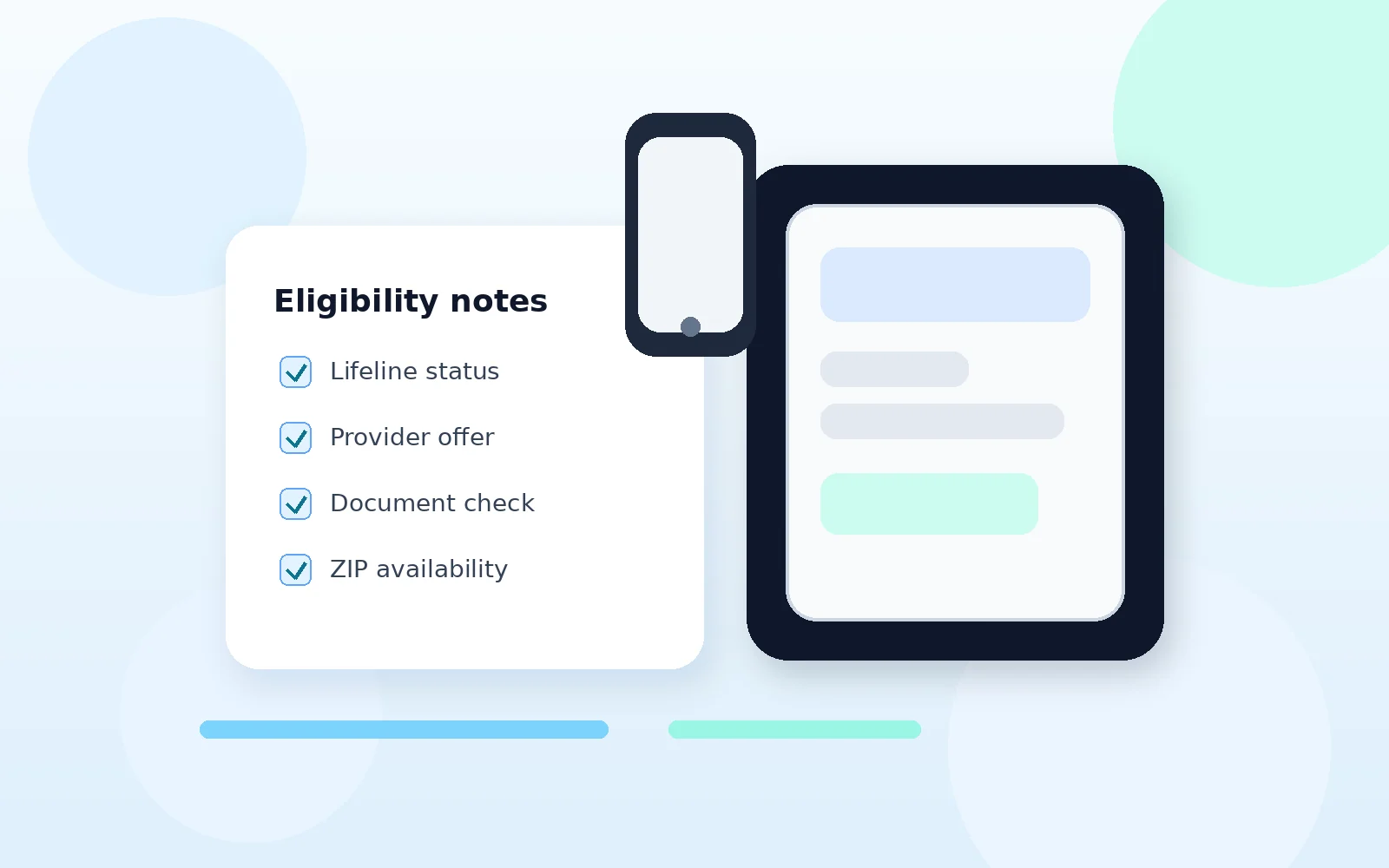
A safe search starts by separating service support from device offers. Lifeline can reduce the cost of phone, internet, or bundled service for eligible users. A tablet, if available, normally comes through a provider promotion, a local device program, a school, a library, a nonprofit, housing support, or a health-related access program.
Use these four categories to understand where support may come from before sharing personal documents or choosing a provider.
Lifeline can lower monthly phone, internet, or bundled service costs for eligible households. It is not a direct tablet shipping program.
Some Lifeline companies may advertise tablets or low-cost devices. Offers can depend on ZIP code, inventory, plan terms, and co-pay rules.
Libraries, schools, housing groups, city programs, and nonprofits may run device lending, refurbished-device, or internet access support.
Before applying, verify the official program, provider name, documents, shipping terms, fees, and privacy practices.
Start with eligibility, then compare provider availability, then check local support options. This order helps users avoid applying through a provider that does not serve their area or does not currently offer device support.
For a clearer starting point, users can review this free tablet programs in 2026 guide before comparing provider-specific options.
Good applications are careful applications. These checks reduce confusion, delays, and wrong-provider signups.
Confirm whether the page is discussing active Lifeline support or older ACP information. ACP ended on June 1, 2024.
A provider may operate in one state but not in every ZIP code. Use official lookup tools and provider pages before applying.
Look for co-pays, taxes, shipping costs, activation rules, stock limits, return rules, and plan requirements.
Name, date of birth, address, and benefit details should match the application. Small mismatches can delay review.
Lifeline is generally limited to one benefit per household. A household worksheet may be needed in some shared-address situations.
Only upload documents through official or clearly identified provider systems. Avoid pages that promise approval before checking eligibility.
Short answers for common questions before users move to documents or provider comparison.
No. Lifeline mainly lowers the monthly cost of phone, internet, or bundled service for eligible households. Device offers are set by individual providers and can vary by ZIP code, stock, and terms.
Yes. ACP ended on June 1, 2024. Older ACP tablet pages may no longer reflect current options, so users should check Lifeline and local alternatives.
Check eligibility, documents, provider coverage, device terms, co-pays, shipping rules, and whether the provider is available in your area.